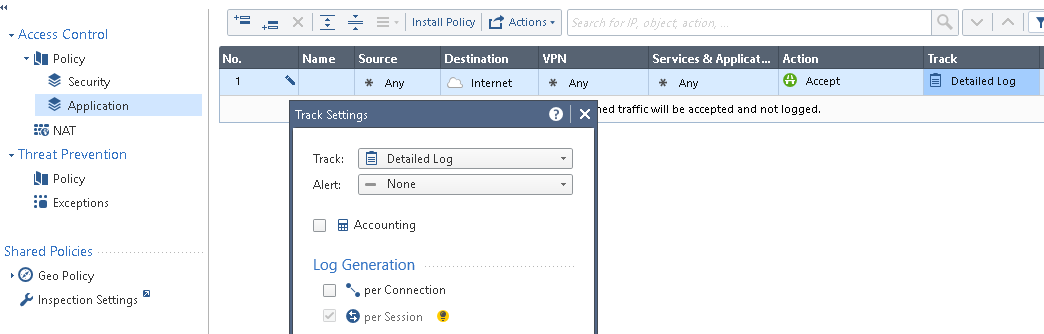
Let's say you enabled an application, but traffic still gets dropped from some reason.
In the logs, all you see is hits on the any, any, drop rule, but this could come from many different users.
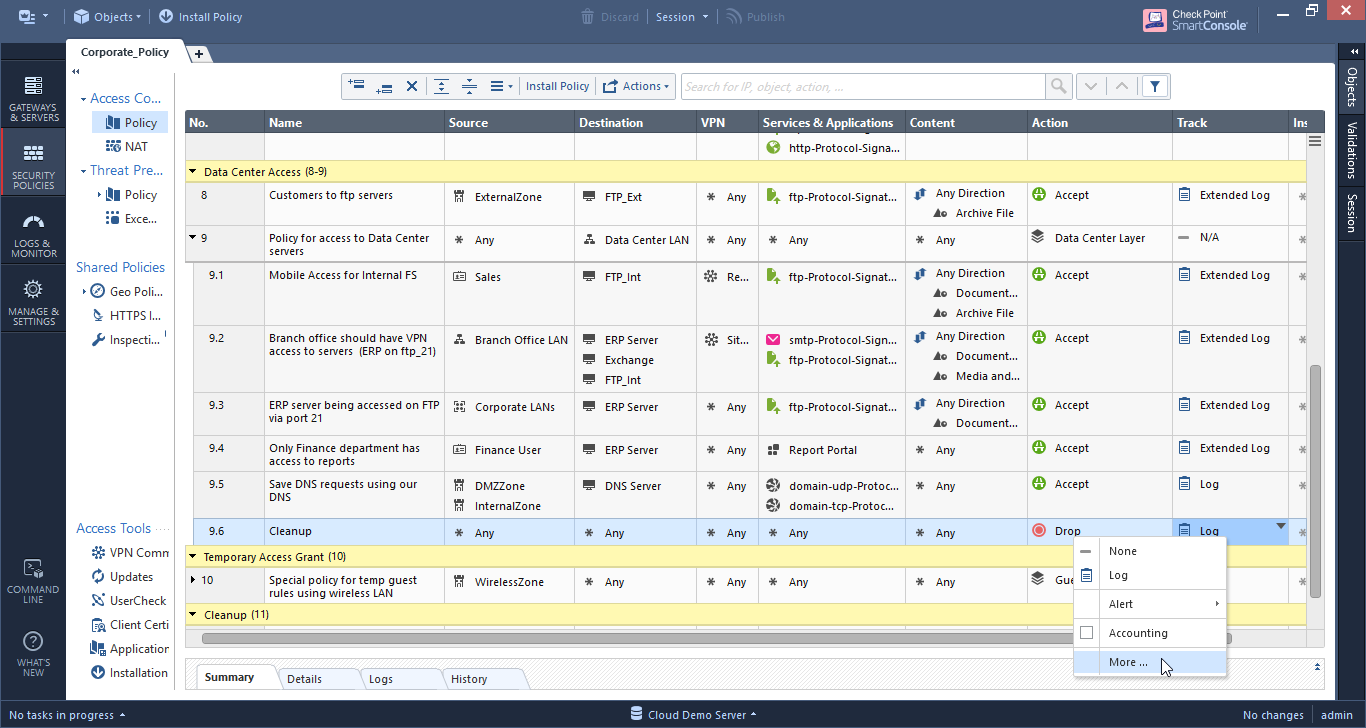
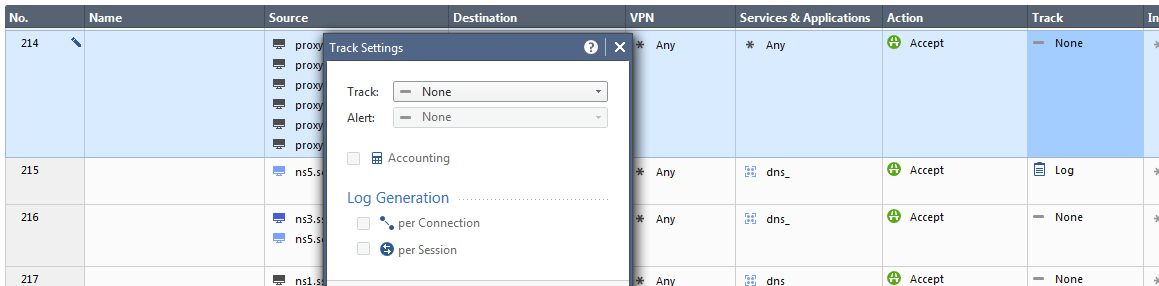
What you can do is to change the default logging setting in the Track column from "Log" to:
- "Extended Log": Adds application info to the logs.
- "Detailed Log": Adds resource and file to the logs.
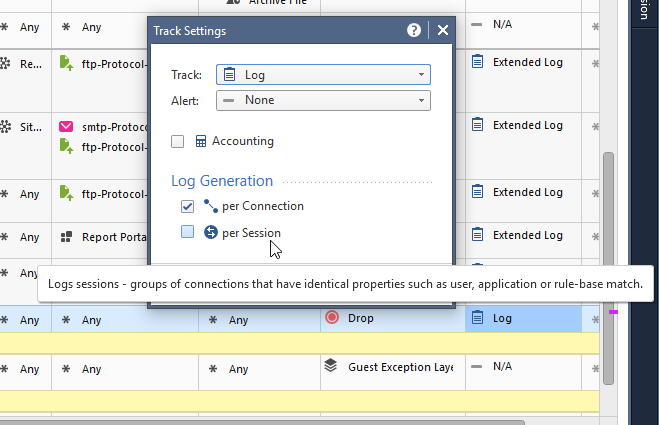
You could also add the option to generate another Log Per Session, in addition to the usual log per connection.
Please note that each addition to a log gets adds a performance impact. This is why the defaults for a Track column are relevant to what you picked in a rule: Rules with application objects get the Extended Log by default, while rules with content awareness get the Detailed Log by default.
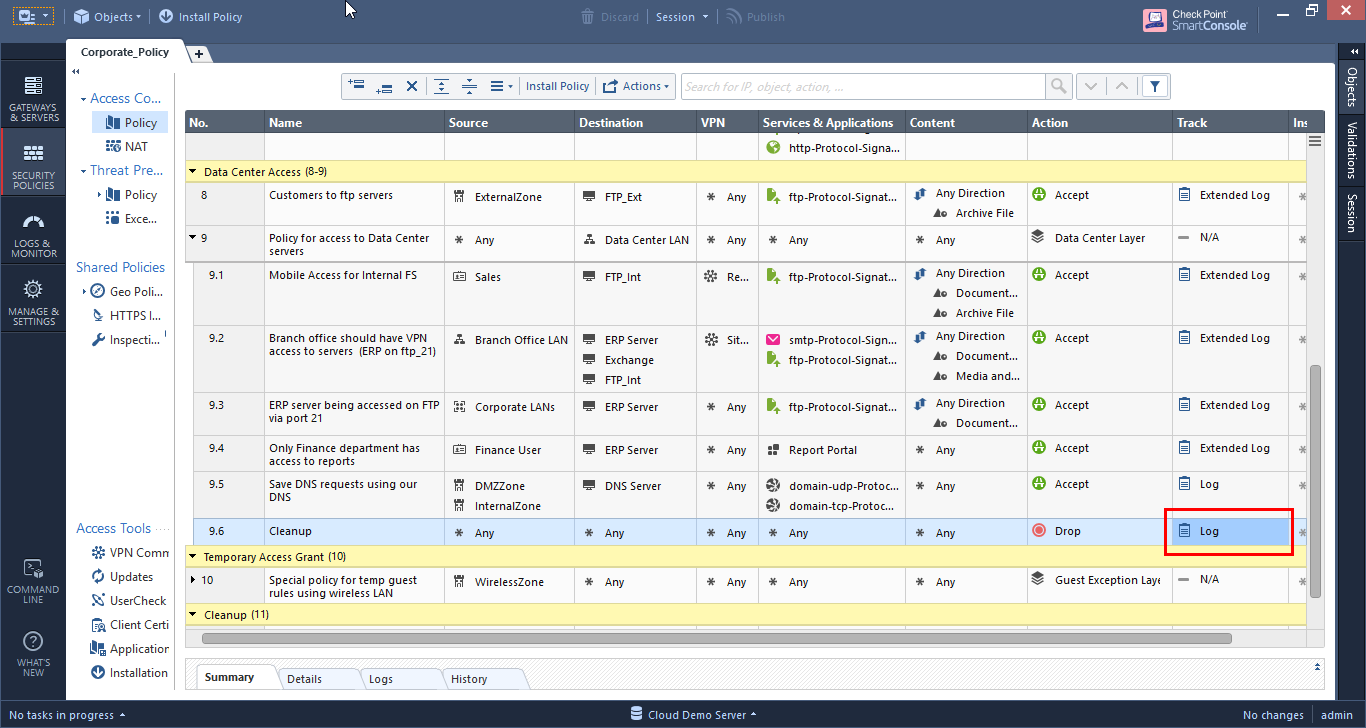

So if adding more log details to the highly hit cleanup rule can add performance to the log server, how can we overcome this?
a. You could apply that temporarily until fixing the problem, and then revert to "Log"
b. You could take that source traffic, make that an inline layer, and in the Drop rule of that inline layer which will probably get hit a lot less than the general policy, change the log setting. Afterwards you can undo the inlining or just keep it segmented as it is.
Let us know your feedback on this case.








 And now that I actually spent whole 5mins (instead of whinging..) I found it set on Application layer. So even though we use it as a "plain" firewall, we must have messed around at some point and created this app rule. Or it came as default in R80. Not 100%