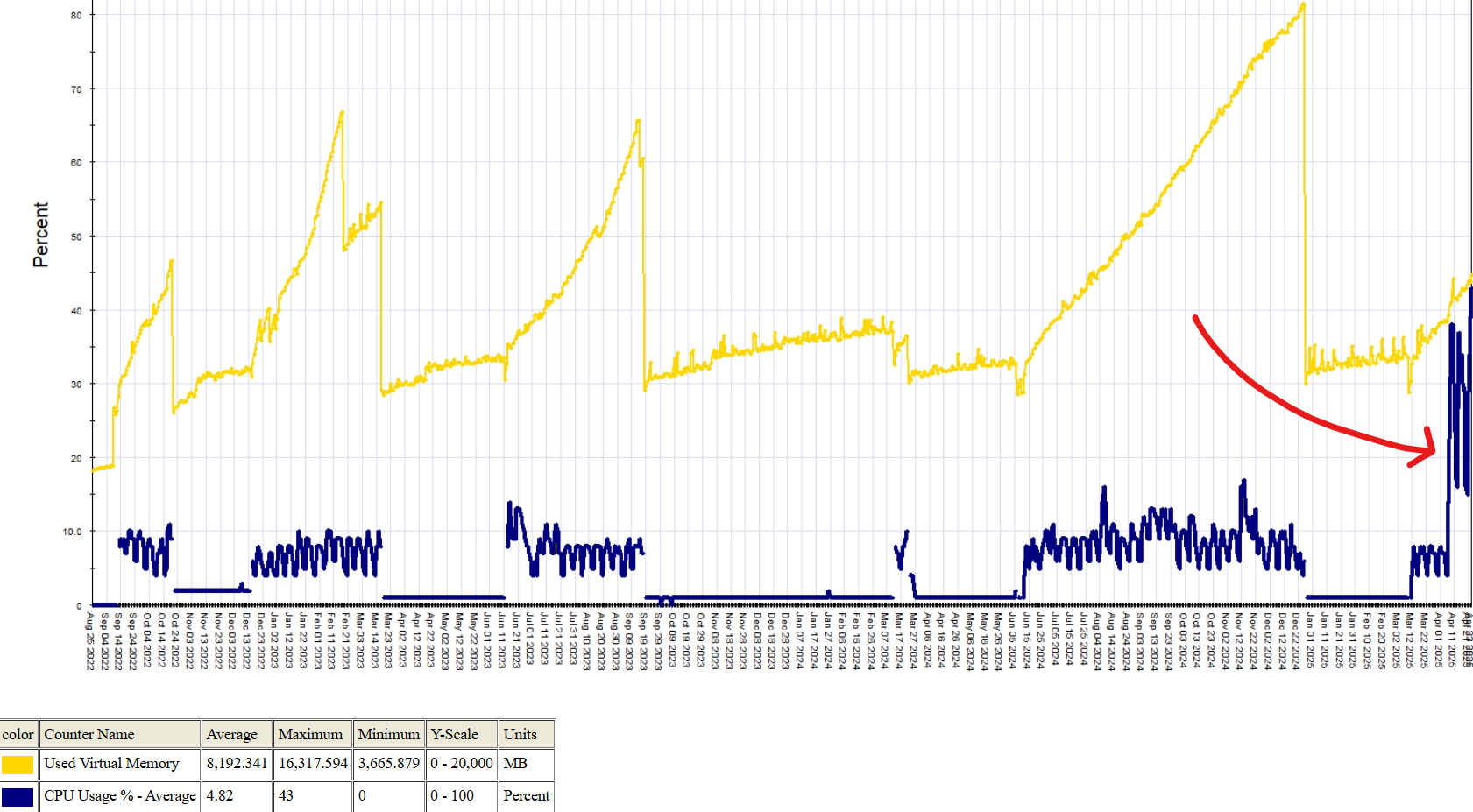
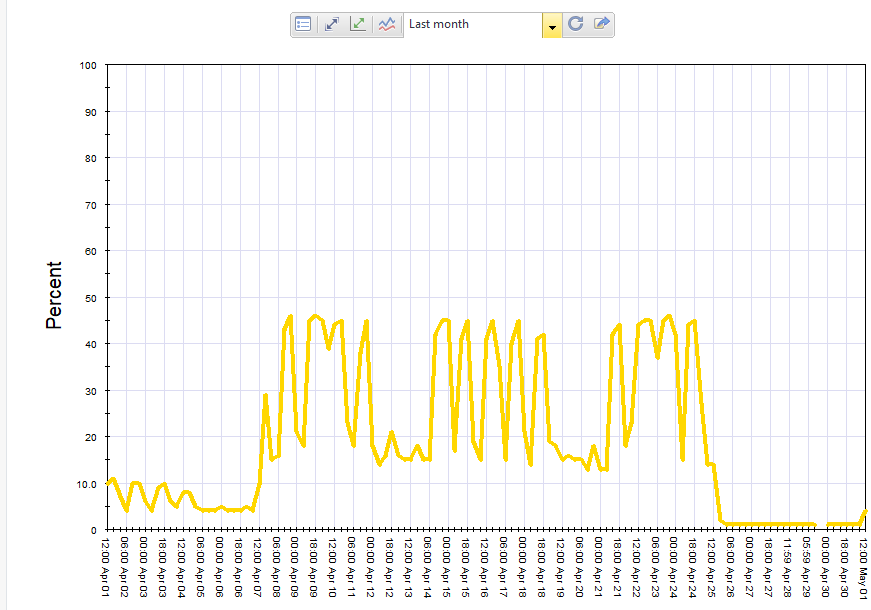
Greetings all, I am observing a higher than average CPU usage on one of our gateways.
We normally hover in the low CPU usage percentages, but yesterday I noticed we were hovering around 50% and staying there.
I looked at top -H and saw the rad_resp_slow_0, rad_resp_slow_1, and rad_resp_slow_2 processes using a lot of CPU.
I'm afraid we're being attacked or something is going on, but I can't identify what is causing these. Is there a report or view in SmartConsole that can show me like blade usages perhaps? I'm not sure where to go from here now that I've identified processes using the CPU.
According to support (SR#6-0004255887), this is the Resource Awareness Daemon, and helps with managing anti-malware policies, etc. I was told it could be due to complex rulebase or policy operations, however I don't recall changing or adding any new policies.
My only guess would be IPS?
Should I do this?
Solved: High CPU on Security Gateway caused by RAD service... - Check Point CheckMates
Where would you start?
Thanks!