- Products
- Learn
- Local User Groups
- Partners
- More

MVP 2026: Submissions
Are Now Open!
What's New in R82.10?
Watch NowOverlap in Security Validation
Help us to understand your needs better
CheckMates Go:
Maestro Madness
Hello, everyone.
I have a problem with a S2S VPN.
Currently, the traffic originating from our side, to the remote peer, is not "obeying" the security rule it has created.
The traffic is MATCHING a rule, which is almost at the end of the rulebase.
Real IP: 10.7.53.200
NAT IP: 172.26.15.151 (We don't want the remote end to know our REAL IP).
Remote End IP: 172.27.0.66
This image represents the actual rule that has been created for the VPN traffic.
This other image represents the rule with which the traffic is currently MATCHING.
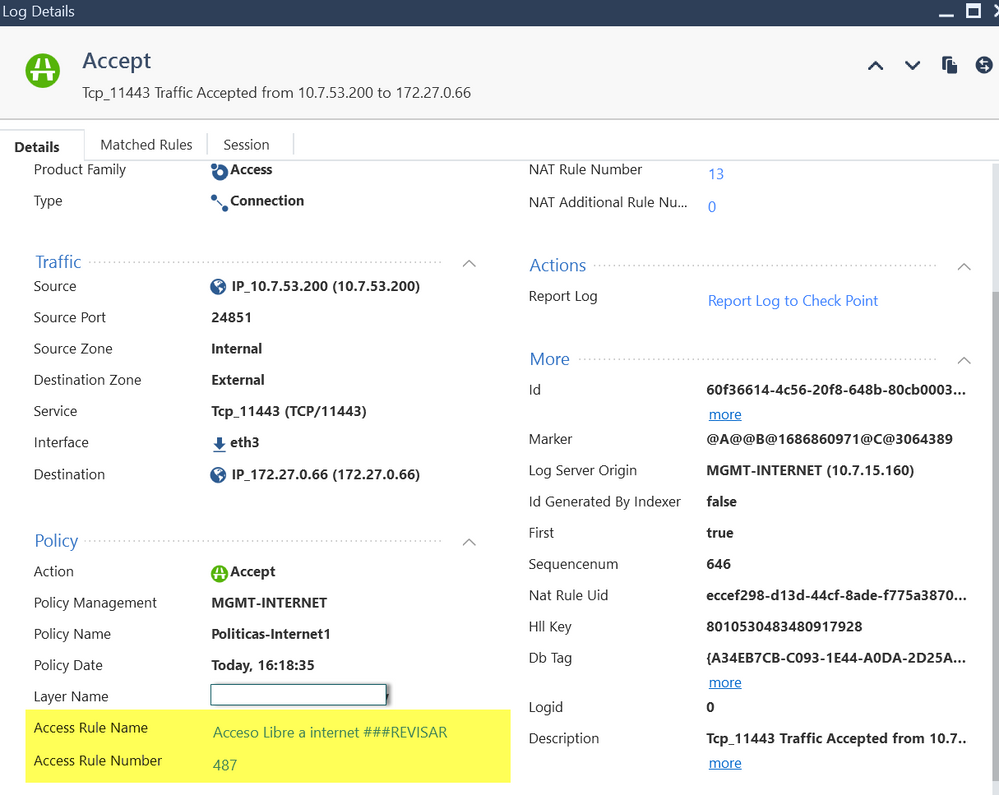
This image represents the detail of a log.
Does anyone know why this is happening?
Why the traffic does not obey our security rule, if it is almost at the beginning of the rulebase?
We are testing the traffic, doing a Telnet to the destination on port 11443.
I would appreciate any comments that can help me to understand the problem.
Regards.
Have you confirmed 100% the relevant traffic is actually being encrypted (going through the VPN)?
That means:
The log entry you supplied is a simple "Accept" log, which suggests the traffic isn't encrypted (and thus not matching Rule 12).
Hello,
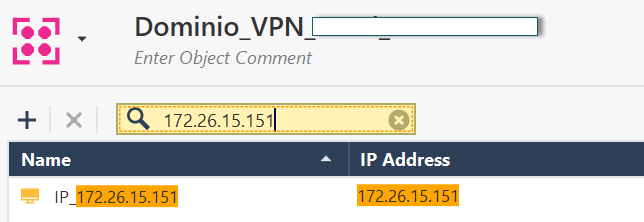
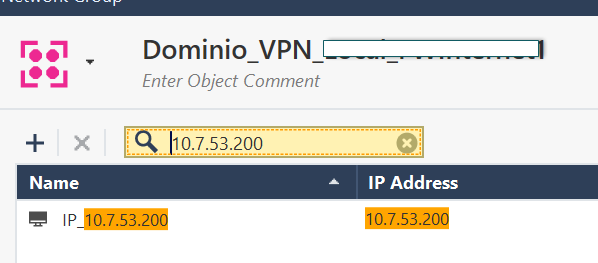
In my VPN DOMAIN, on my side.
I have added, both the REAL IP and the NAT IP.
Currently the VPN is up in phase 1 and 2, but the traffic does not go through the rule that it really should.
Cheers
Hello,
The traffic should travel through the VPN, but as I showed in the previous images, the traffic originating from IP 10.7.53.200, to IP 172.27.0.66, "simply" does not pay attention to the explicit rule created (Rule #12).
Traffic from IP 10.7.53.200 is routed to IP 172.26.15.151.
The NAT rule is working fine.
What is not working well is the security rule.
The rule created is almost at the beginning of the rulebase, and I find it strange that the traffic does not match this rule.
Thanks for your comments.
A curiosity.
It is mandatory to have the Real IP, and the NAT IP, inside my "VPN DOMAIN"????
Currently I have both IPs inside my domain.
I am working with Manual NAT.
Greetings.
I don't believe the NAT IP needs to be there.
However, the fact the rule is not matching suggests you have a misconfiguration with the VPN.
Is the 172.27.0.66 configured as part of the remote encryption domain on YOUR gateway?
Is the relevant peer gateway included in the relevant VPN Community?
When you say the NAT rule is "working" how precisely did you confirm this outside of looking at the logs?
Can you see the actual traffic with a tcpdump or fw monitor?
Unless it's solved by the above, I suspect you're going to need assistance from the TAC: https://help.checkpoint.com
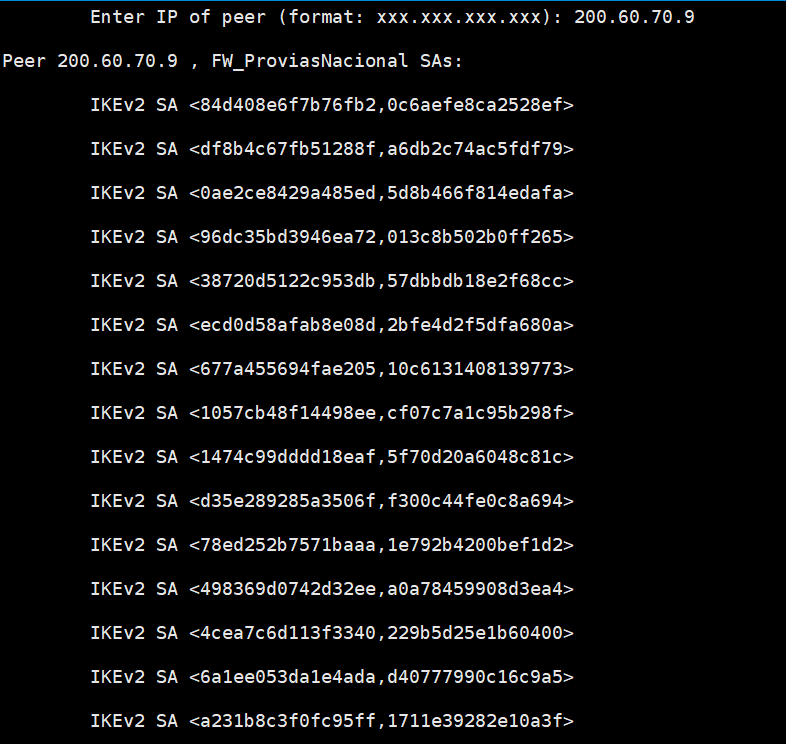
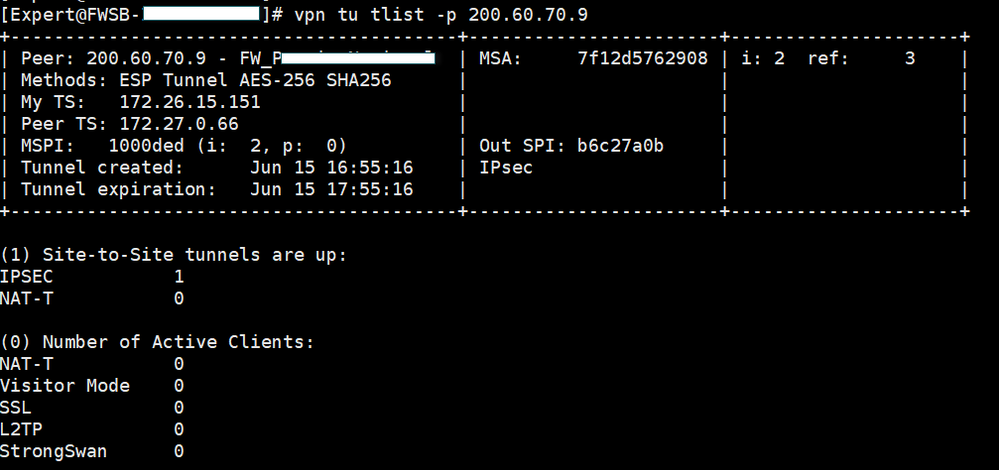
Are you able to try ike v1 ? Anyway an output with more than one IKE SA is not good, i would purge the tunnel
Ps please obscure sensitive data like peer ip
Leaderboard
Epsum factorial non deposit quid pro quo hic escorol.
| User | Count |
|---|---|
| 19 | |
| 17 | |
| 13 | |
| 8 | |
| 7 | |
| 3 | |
| 3 | |
| 3 | |
| 3 | |
| 3 |
Tue 16 Dec 2025 @ 05:00 PM (CET)
Under the Hood: CloudGuard Network Security for Oracle Cloud - Config and Autoscaling!Thu 18 Dec 2025 @ 10:00 AM (CET)
Cloud Architect Series - Building a Hybrid Mesh Security Strategy across cloudsTue 16 Dec 2025 @ 05:00 PM (CET)
Under the Hood: CloudGuard Network Security for Oracle Cloud - Config and Autoscaling!Thu 18 Dec 2025 @ 10:00 AM (CET)
Cloud Architect Series - Building a Hybrid Mesh Security Strategy across cloudsThu 08 Jan 2026 @ 05:00 PM (CET)
AI Security Masters Session 1: How AI is Reshaping Our WorldAbout CheckMates
Learn Check Point
Advanced Learning
YOU DESERVE THE BEST SECURITY