- Products
- Learn
- Local User Groups
- Partners
- More
MVP 2026: Submissions
Are Now Open!
What's New in R82.10?
Watch NowOverlap in Security Validation
Help us to understand your needs better
CheckMates Go:
Maestro Madness
I have running Identity Awareness by using Identity Collector method to collect the info.
I had login a PC via multiple user. In log, the source username show both name.
Based on below article, it can solved by tick ""Assume that only one user...". but this is using AD Query method.
so now i using Identity Collector, what setting i can change to solve this issue?
IDC as far as I know should already assume a single user per computer, per:
https://support.checkpoint.com/results/sk/sk105889
You can check the current state of that option on your gateway with: pdp conciliation idc_multiple_users stat
If it's already disabled but you're still seeing multiple users per machine, best raise a TAC case for investigation.
Never seen that sk, thank you for that!
Andy
Hi Emmap,
Thanks for sharing.
My setup requirement also is allow one user can login into a decvice at once. Just the PC will be use by multiple people. So the PC will login by multiple users. So in the "source name", i will see the username who had login to this PC.
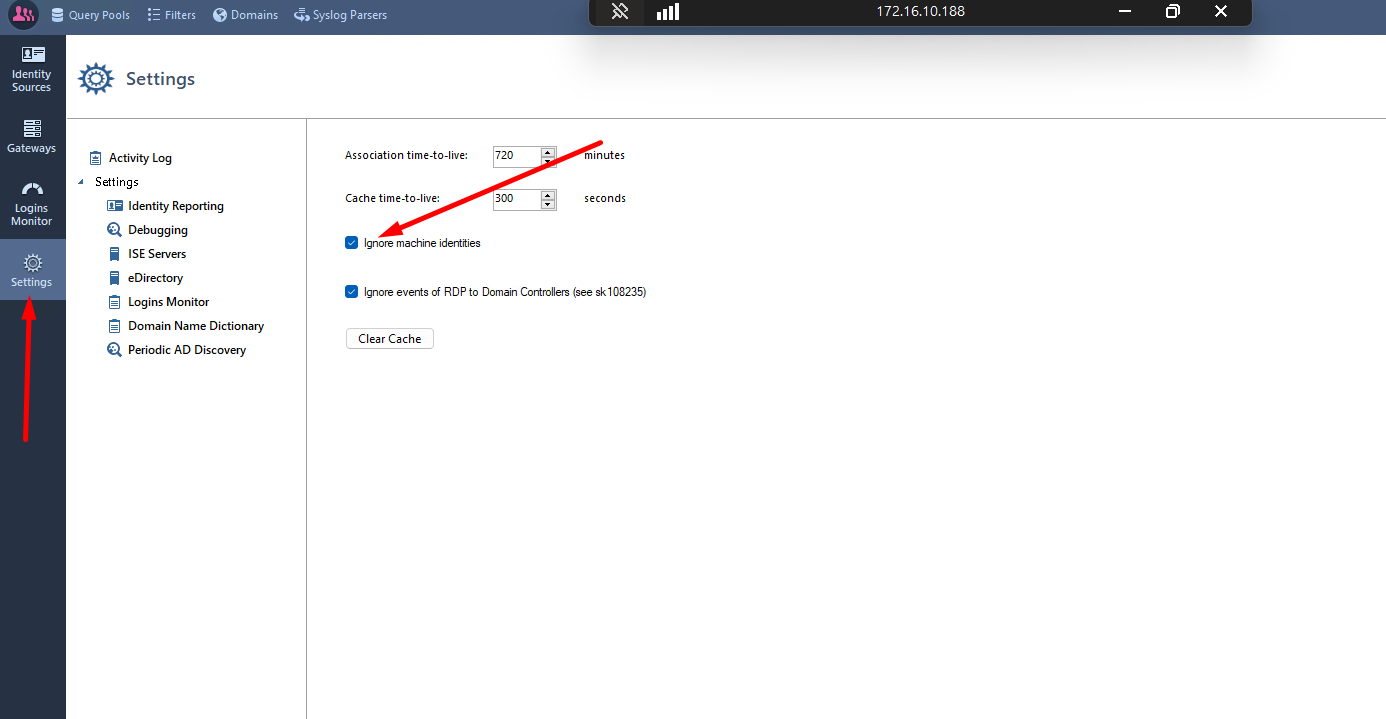
In identity collector, when select the IP related, i can see many username logged in the list. I try tick the "Ignore revoked user" to check it work or not.
As i asking this is to confirm even though there have 2 username showed, but only the latest user will used by gateway when go through the rule right? because i have some issue (seem latest logged user can using previous user rights asboth users in different group ) when do the testing.

You'll see in the traffic logs who the gateway is associating with which IP address. If there's only the one user there, then that's already ensuring that only the latest user to log in is associated with the IP address.
For a computer where multiple people are logged in at the same time, consider using the Multi-User Host agent, which can actually differentiate access by multiple users from the same computer.
When not using MUH and not, if multiple identities are associated with an IP due to configuration (e.g. pdp conciliation idc_multiple_users is enabled), all of the identities will apply to the IP.
Which explains the behavior you are seeing precisely.
Note all of this is described in sk105889 though it doesn't list the command to disable it (e.g. pdp conciliation idc_multiple_users disable), which is what you need to do here to get the behavior you desire.
I assume pdp c
Leaderboard
Epsum factorial non deposit quid pro quo hic escorol.
| User | Count |
|---|---|
| 19 | |
| 17 | |
| 13 | |
| 8 | |
| 7 | |
| 3 | |
| 3 | |
| 3 | |
| 3 | |
| 3 |
Tue 16 Dec 2025 @ 05:00 PM (CET)
Under the Hood: CloudGuard Network Security for Oracle Cloud - Config and Autoscaling!Thu 18 Dec 2025 @ 10:00 AM (CET)
Cloud Architect Series - Building a Hybrid Mesh Security Strategy across cloudsTue 16 Dec 2025 @ 05:00 PM (CET)
Under the Hood: CloudGuard Network Security for Oracle Cloud - Config and Autoscaling!Thu 18 Dec 2025 @ 10:00 AM (CET)
Cloud Architect Series - Building a Hybrid Mesh Security Strategy across cloudsAbout CheckMates
Learn Check Point
Advanced Learning
YOU DESERVE THE BEST SECURITY