- Products
- Learn
- Local User Groups
- Partners
- More

The Great Exposure Reset
24 February 2026 @ 5pm CET / 11am EST
CheckMates Fest 2026
Watch Now!AI Security Masters
Hacking with AI: The Dark Side of Innovation
CheckMates Go:
CheckMates Fest
Hello,
We have many clusters using ClusterXL and we'll like to use cloning groups to synchronize some features among cluster members. We have configured it using instructions from the Gaia R80.10 admin guide With exactly the same configuration, it works for some clusters but not for others. For those where it doesn't work, we have an 'Authentication Error' message (see enclosed). I've searched the support website but there's nothing pertinent there.
Do you guys have an idea of what could be the problem ?
Thanks in advance for your help.
Kind regards,
Alain
Hi, referring this admin guide; did you validate that communication through tcp/1129 are allowed on clusters for which you have this error? For such clusters, did you check status of ClusterXL?
Hi Xavier,
Thanks a lot Xavier for your input. The cloning groups are configured for clusters members were ClusterXL is already activated and the status of all our clusters is OK. I can see in the logs that traffic on port TCP/1129 is correctly allowed between different clusters members. It's quite difficult to troubleshoot as we don't have specific logs related to cloning groups. Were can I look for further information regarding this 'Authentication Error' ?
Regards,
Alain
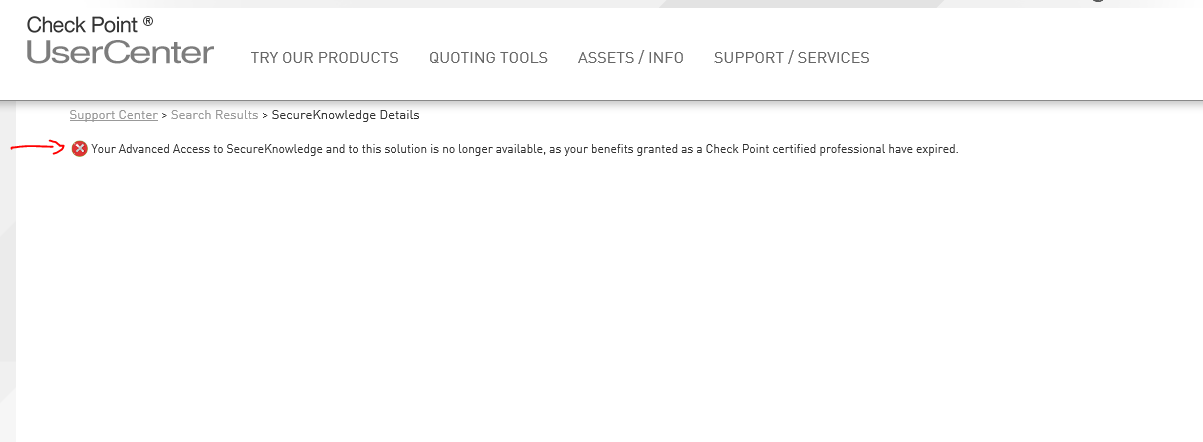
So, try How to debug cloning group issues ![]()
Waiting that, maybe try to delete the cloning group by removing all the members from it and re-create it (refer to sk109734 "Error writing to remote server: Could not write data to the socket " error from one member of a Clo...).
Again, thank you for your support.
Thanks !
Regards,
Alain
Done! ![]()
BTW, maybe executing sk119496 will already give you a clear idea of the reason?
Thanks a lot Xavier for the PDF. Unfortunately, it's not relevant for us. I've tried sk119496 and in the files /var/log/cloningd.log and /var/log/messages, I see the error message "Unable to establish secure connection with x.x.x.x due to Password mismatch". I have this message even if I use very simple passwords on both members of the cluster. Any idea ?
Regards,
Alain
One scenario where I had this issue was when "Host Access" was configured throuhg GAIA Portal and don't included the Sync interfaces on the list. Make sure you're not blocking the communication between the members because of this.

Regards.
I don't know if this issue ever got resolved, but I just upgraded a cluster from R77.30 to R80.10 and starting having the same issue. I was seeing 'Authentication Error' logging repeatedly in SYSLOG. I tried to leaving the cloning group and re-joining to no avail. It seemed like the only solution I could come up with was to destroy the entire cloning group, create a new one, and re-join all the members.
I don't know if this is some kind of bug or not? But those steps seemed to resolve it for me.
It seems in case of upgrade from lower version, it breaks the Cloning Group and has to be recreated. Happened to me on every cluster I used Connectivity Upgrade. However, this is not listed as known limitation.
Regards.
Leaderboard
Epsum factorial non deposit quid pro quo hic escorol.
| User | Count |
|---|---|
| 56 | |
| 44 | |
| 16 | |
| 14 | |
| 14 | |
| 11 | |
| 10 | |
| 10 | |
| 9 | |
| 8 |
Thu 12 Feb 2026 @ 05:00 PM (CET)
AI Security Masters Session 3: AI-Generated Malware - From Experimentation to Operational RealityFri 13 Feb 2026 @ 10:00 AM (CET)
CheckMates Live Netherlands - Sessie 43: Terugblik op de Check Point Sales Kick Off 2026Thu 19 Feb 2026 @ 03:00 PM (EST)
Americas Deep Dive: Check Point Management API Best PracticesThu 12 Feb 2026 @ 05:00 PM (CET)
AI Security Masters Session 3: AI-Generated Malware - From Experimentation to Operational RealityFri 13 Feb 2026 @ 10:00 AM (CET)
CheckMates Live Netherlands - Sessie 43: Terugblik op de Check Point Sales Kick Off 2026Thu 19 Feb 2026 @ 03:00 PM (EST)
Americas Deep Dive: Check Point Management API Best PracticesAbout CheckMates
Learn Check Point
Advanced Learning
YOU DESERVE THE BEST SECURITY