

- Products
- Learn
- Local User Groups
- Partners
- More

Scaling Check Point Automation with Arodonata
7 October @ 5pm CET / 11am EDT
AI Security Masters
LGTM: Bypassing an LLM Build Gate
When Prompt Injection Fails
What's New in Check Point SASE
The State of Ransomware Q2 2026:
This Quarter's Trends, and Their Impact on Your Defenses
CheckMates Go:
Half is Not Enough
Welcome to "This Week in Checkmates," your weekly highlight reel for all things CheckMates!
Past and future posts will be available here: About CheckMates
If you can't wait for the weekly update, follow our Twitter account where threads are highlighted regularly: @CPCheckMates!
Here are some highlights from the week's activity on CheckMates:
Eric Beasley has been updating his scripts for importing and exporting different types of content from the R80 API. This version can now handle more than 500 objects at a time, which is a limit imposed by the API. There's also a link to his Github repository where you can contribute your own changes!
SmartReporter was retired in the R80 release. One feature it had was the ability to run a report to see when the last time a rule was used. This thread explains how to recreate that functionality in R80.10 with SmartEvent.
A good discussion around the challenges with implementing HTTPS Inspection. Have you implemented this? What challenges did you run into and how did you address them?
Something we're trying to produce more of for CheckMates is how-to videos. This one shows you some tricks and tips for navigating the rulebase in R80.10, which are particularly handy if you have a rulebase of significant size.
This is a great tip from Aaron Pritchard on how to make it easier for administrators to deal with blocked application/URL reports from end users!
This thread has garnered a lot of activity on CheckMates. In addition to more commands, we're now getting to stories of days gone by. Keep following this thread!
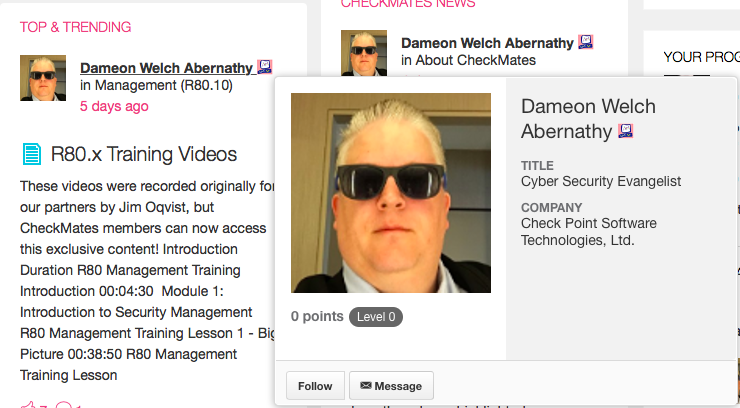
You can send a Private Message to someone?
For anti-spam purposes, the person you wish to send a Private Message to must "follow" you.
You can choose to follow someone by simply hovering over their name and clicking the Follow button that appears below their avatar.
If they follow you, you will also see the "Message" button.
The next virtual event will be How to use R80.10 API for Automation and Streamlined Security with Ryan Darst on August 15th!
I am also making the rounds to local user group meetings during the month of September.
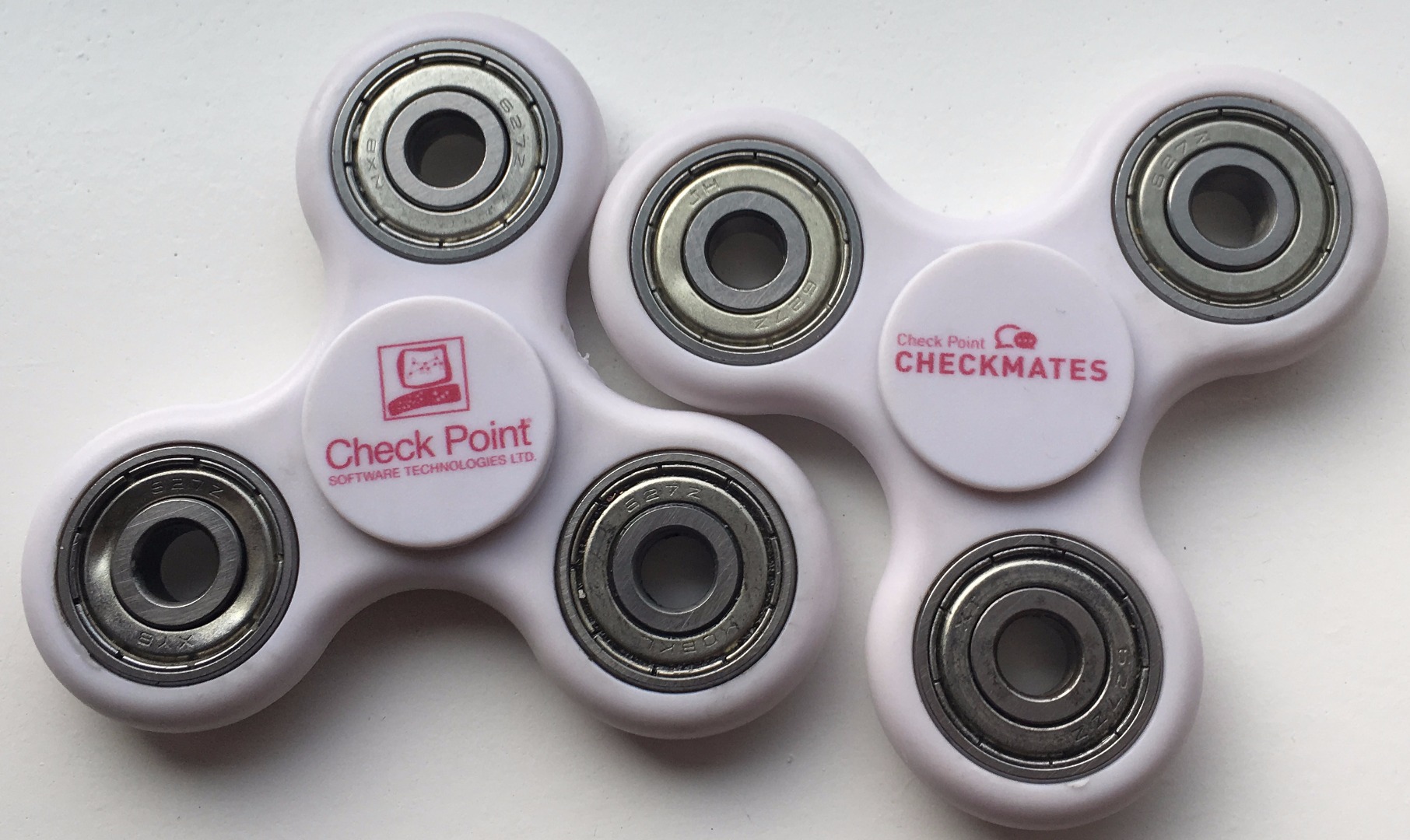
I'll have some of these to give away:
We would be delighted to hear your feedback! Here are a few ways you can share it with us:
About CheckMates
Learn Check Point
Advanced Learning

YOU DESERVE THE BEST SECURITY


