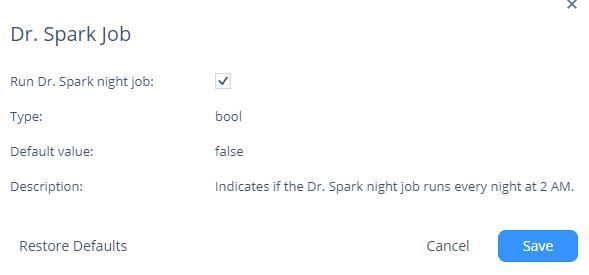
It is easy to generate a Doctor Spark report in the WebGUI. And what about moments this is not possible ? Since R80.10.05, also Embedded GAiA CLI has Doctor Spark integrated: https://sc1.checkpoint.com/documents/SMB_R81.10.X/CLI/EN/Content/Topics/drsmb.htm It will perform the same tests, not producing a html page, only simple logfiles.
But the given syntax is incorrect - drSMB has to be called instead:
Usage: drSMB diag <list | verify | print | performance | last_run | light>

Options:
--------
drSMB diag list [[TestId1],[TestId2]..|[SectionName]] - Display verifiers
drSMB diag verify [except] [[TestId1],[TestId2]..|[SectionName]] - Run verifiers and display report
drSMB diag print [except] [[TestId1],[TestId2]..|[SectionName]] - Run verifiers and display verbose output
drSMB diag last_run <verify | print> - Display latest report/verbose output
drSMB diag performance <time in sec> - Run only performance test, time for throughput and packet rate. if no time is given will run for 10 sec.
drSMB diag light - Run only the tests that takes short time to run.

SectionName Options:
< General | Policy_and_Configuration | VSX_Configuration | Status | Sizing | Memory | Connectivity | Performance | Cluster | Reach_My_Device | SMP | OS | License | Cellular | VPN | Hardware >
Only the first three diag types are listed in the CLI Guide, Sectionname Options are also missing.
# drSMB diag print
2023-08-11_12-46-29
==============================
Core Dumps:
==============================
Checking for userspace core....
Userspace core was not found.
==============================
Kernel Panics:
==============================
Checking for kernel panics....
No kernel panics on the current software version
After finishing the tests, a summary is displayed:
-------------------------------------------------------------------------------------------------
| Tests Summary                                                                                 |
-------------------------------------------------------------------------------------------------
| Passed: 87/91 tests, 5 of them info, 4 of them warning, and 35 of them N/A.                   |
| Run: "drSMB diag list 9,14,33,88" to view a complete list of failed tests.                    |
| Output file: /storage/doctor_smb/tempfiles/verifier_sum.1-91.2023-08-11_12-43-48.txt          |
-------------------------------------------------------------------------------------------------
CCSP - CCSE / CCTE / CTPS / CCME / CCSM Elite / SMB Specialist