- Products
- Learn
- Local User Groups
- Partners
- More
MVP 2026: Submissions
Are Now Open!
What's New in R82.10?
Watch NowOverlap in Security Validation
Help us to understand your needs better
CheckMates Go:
Maestro Madness
HI
i have connetcetd eve-ng machine to bridged network in my vmware workstation and in the eve-ng i have installed chackpoint firewall (Gaia os) and i have connected cloud0 managmnet network to checkpoint image in eve-ng portal and then set the ip address 192.168.29.11 to my checkpoint firewall (gaia os) in eth0 but when i try to ping check point image ip from my base mechine its show not reacheble
so for troubleshoting i did bellow things
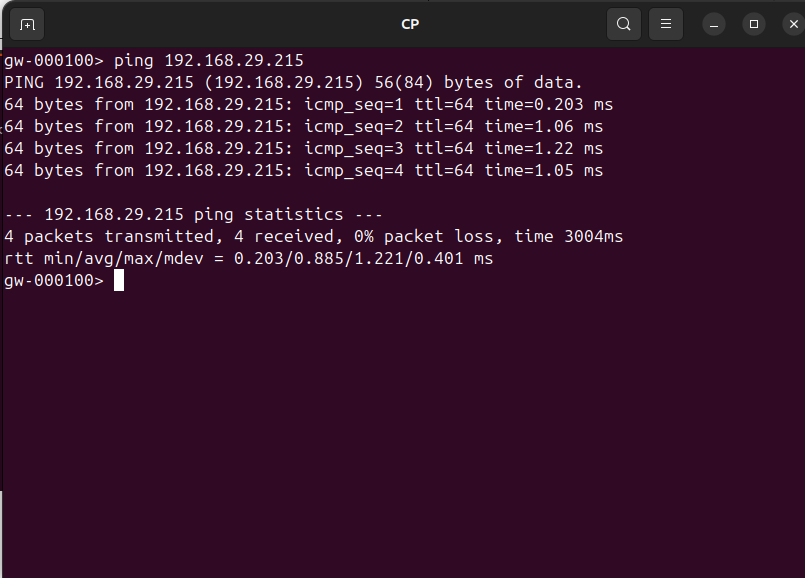
1. i tried to to ping to eve-ng from check point firewall its rechable
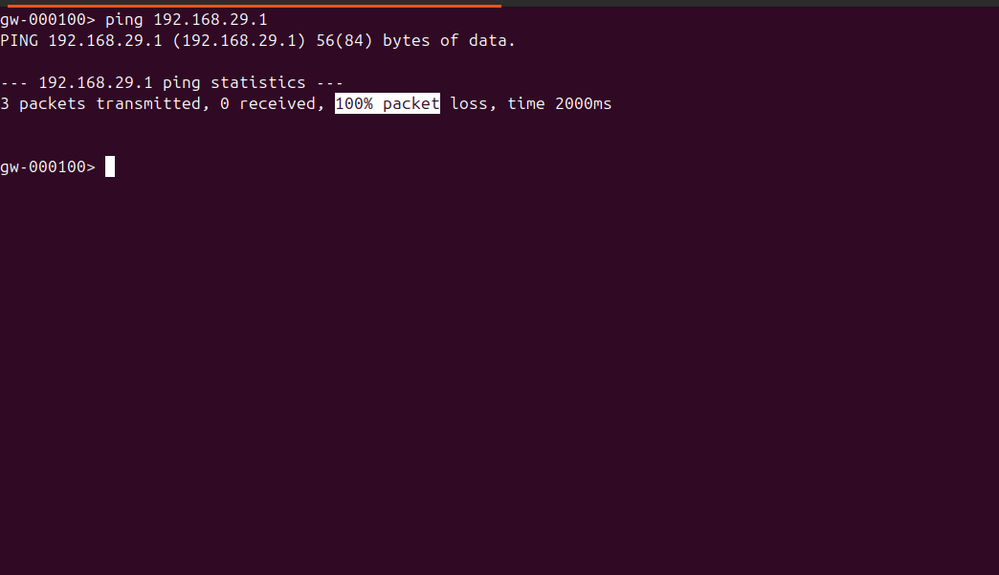
2. but when i try to ping to router gateway which is 192.168.29.1 from cp firewall its unreachable
3. its seems that checkpoint firewall is reachble till eve-ng but its not reaching to gateway
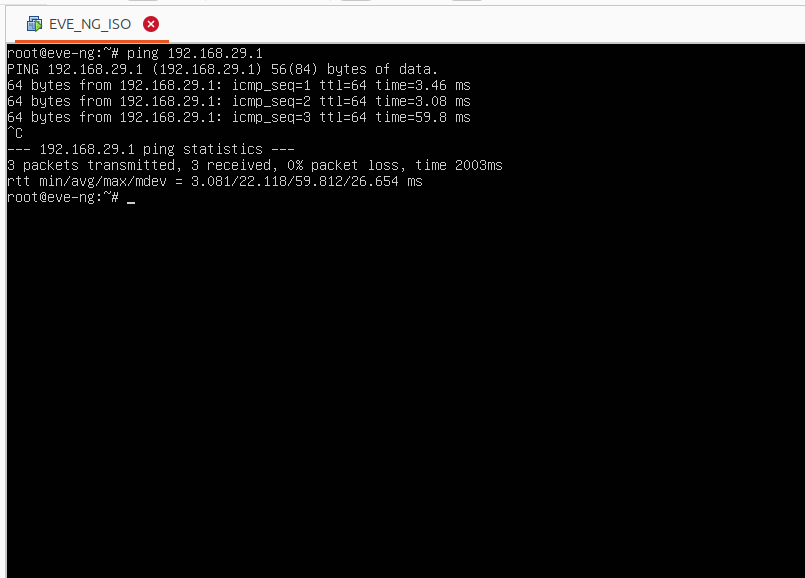
4. for this gateway confirmation i ping gateway ip 192.168.29.1 from my eve-ng its reachable
i feeling that some where in the eve-ng connection is blocking so please any one can help me to solve bcz i stuck here not able to access setup wizard of check point
please refer ss bellow
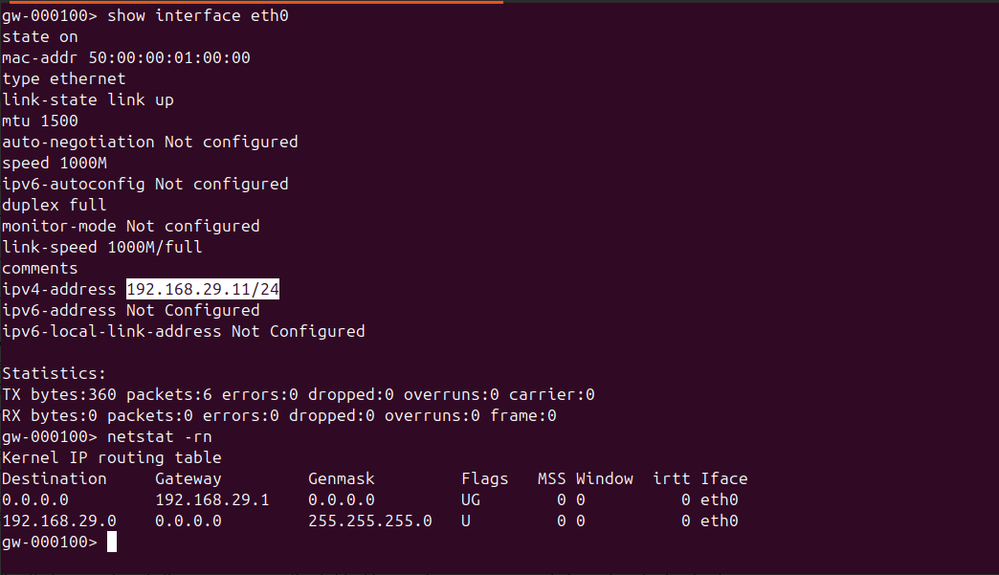
ip address deatils of checkpoint image
ping to home router gateway ip from checkpoint
ping to eve-ng machine from CP firewall
ping to home router gateway ip from eve-ng machine
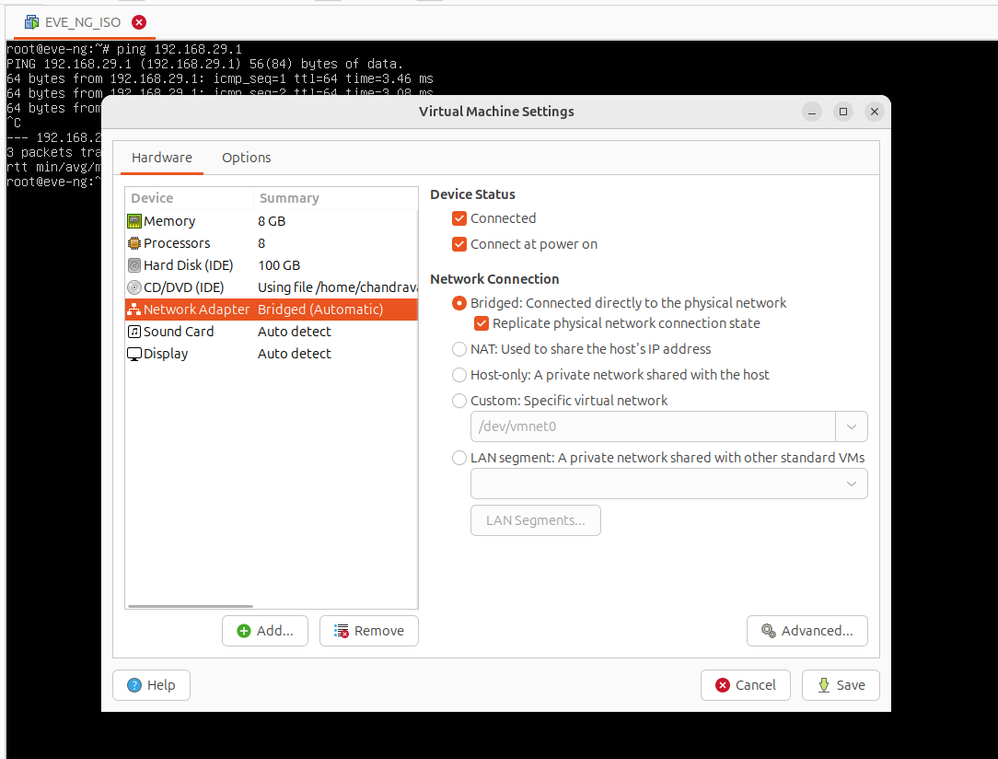
eve-ng mechine network setting
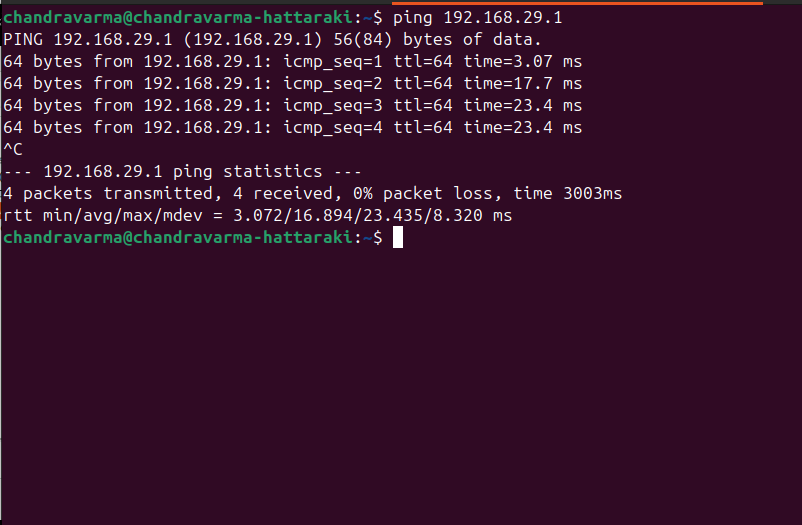
ping to my home router gateway ip from my base mechine
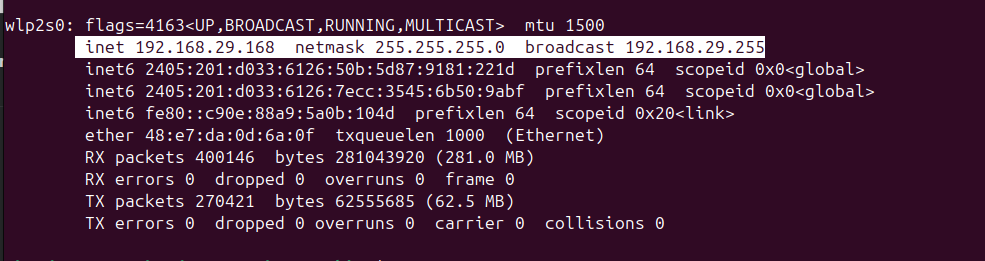
ifconfig details from my base machine
You showed the interface configuration for your eve-ng machine (specifically the "Network Adapter" settings).
Can you show the same screen for the Check Point VM?
Also, how much ram/disk/CPU did you allocate to the Check Point VM?
Cheeckpoint installed inside eve-ng mechine, ram: 8 GB staorage 100 gb cpu 4
What version of Check Point?
Only 100GB of disk might create issues with upgrades and such, recommend installing with more (I use 200gb in my lab): https://sc1.checkpoint.com/documents/R81.20/WebAdminGuides/EN/CP_R81.20_RN/Content/Topics-RN/Open-Se...
VMware has a type of layer 2 anti spoofing enabled by default. Any frame with a source MAC other than the exact 00:50:56 MAC it allocates to the VM is dropped. This prevents VMs-within-VMs from being able to access the network. I haven't used Workstation in about a decade, so I don't know where the setting is in it. In ESX, it's in the switch's Security section.
Can you try changing nic type to something else?
i tryed NAT, Host only network, bridge network but nthg worked still i am not able to access web portal for cehck point
If you do ip r g to that ip address, what do you see?
Andy
Leaderboard
Epsum factorial non deposit quid pro quo hic escorol.
| User | Count |
|---|---|
| 16 | |
| 15 | |
| 7 | |
| 5 | |
| 5 | |
| 5 | |
| 4 | |
| 4 | |
| 4 | |
| 4 |
Tue 16 Dec 2025 @ 05:00 PM (CET)
Under the Hood: CloudGuard Network Security for Oracle Cloud - Config and Autoscaling!Thu 18 Dec 2025 @ 10:00 AM (CET)
Cloud Architect Series - Building a Hybrid Mesh Security Strategy across cloudsTue 16 Dec 2025 @ 05:00 PM (CET)
Under the Hood: CloudGuard Network Security for Oracle Cloud - Config and Autoscaling!Thu 18 Dec 2025 @ 10:00 AM (CET)
Cloud Architect Series - Building a Hybrid Mesh Security Strategy across cloudsAbout CheckMates
Learn Check Point
Advanced Learning
YOU DESERVE THE BEST SECURITY
