- Products
- Learn
- Local User Groups
- Partners
- More

MVP 2026: Submissions
Are Now Open!
What's New in R82.10?
Watch NowOverlap in Security Validation
Help us to understand your needs better
CheckMates Go:
Maestro Madness
Looking for the same information but haven't been able to find any good documentation yet...
I also found no information about customisation.
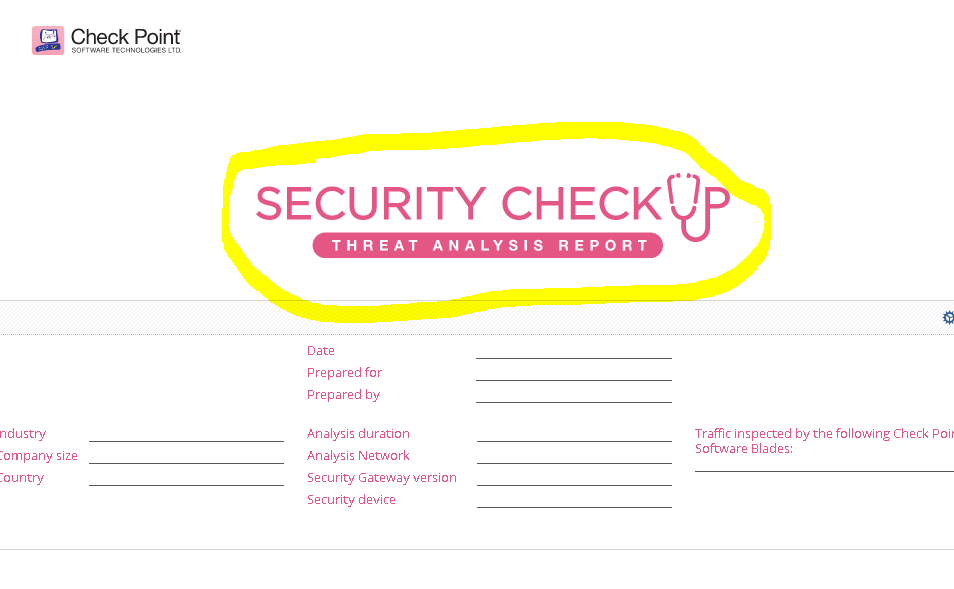
Removing the Logo circled in yellow is not possible.
I'm missing a screenshot 🙂
I found this documentation https://sc1.checkpoint.com/documents/R80/CP_SmartEvent_R80_ReportCustomization_Tutorial_Web/EN/13105...
that describes changing the logo. Haven't had the time to test this yet. Does anyone know if the logo is included as a part when exporting a report. If I want to share the report between different environments it would be nice if the logo was included...
Just tested it: This gets placed in the righthand corner on top and
The best image dimensions are 152 pixels wide by 94 pixels high
Additionally to the CP Logo and Title present, no exchange...
Leaderboard
Epsum factorial non deposit quid pro quo hic escorol.
| User | Count |
|---|---|
| 19 | |
| 16 | |
| 7 | |
| 5 | |
| 5 | |
| 5 | |
| 4 | |
| 4 | |
| 4 | |
| 4 |
Tue 16 Dec 2025 @ 05:00 PM (CET)
Under the Hood: CloudGuard Network Security for Oracle Cloud - Config and Autoscaling!Thu 18 Dec 2025 @ 10:00 AM (CET)
Cloud Architect Series - Building a Hybrid Mesh Security Strategy across cloudsTue 16 Dec 2025 @ 05:00 PM (CET)
Under the Hood: CloudGuard Network Security for Oracle Cloud - Config and Autoscaling!Thu 18 Dec 2025 @ 10:00 AM (CET)
Cloud Architect Series - Building a Hybrid Mesh Security Strategy across cloudsAbout CheckMates
Learn Check Point
Advanced Learning
YOU DESERVE THE BEST SECURITY