- Products
- Learn
- Local User Groups
- Partners
- More

Step Into the Future of
AI-Powered Cyber Security
The State of Ransomware Q1 2026
Key Trends and Their Impact
AI Security Masters E8:
Claude Mythos: New Era in Cyber Security
Blueprint Architecture for Securing
The AI Factory & AI Data Center
Call For Papers
Your Expertise. Our Stage
CheckMates Go:
CheckMates Fest
Hi checkmates, I have a problem:
The file "ted.elg" increase a lot and this fills the disk in the active gateway. The Threat Emulation and Threat Extraction blades are not enabled.
We are running a cluster in R80.40
This appears in the ted.elg file (attached image)
Did anything like that happen to anybody else?
Hi checkmates, I have a problem:
The file "ted.elg" increase a lot and this fills the disk in the active gateway. The Threat Emulation and Threat Extraction blades are not enabled.
We are running a cluster in R80.40
This appears in the ted.elg file (attached image)
Did anything like that happen to anybody else?
Hi checkmates, I have a problem:
The file "ted.elg" increase a lot and this fills the disk in the active gateway. The Threat Emulation and Threat Extraction blades are not enabled.
We are running a cluster in R80.40
This appears in the ted.elg file (attached image)
Did anything like that happen to anybody else?
Hi andy thanks for the response
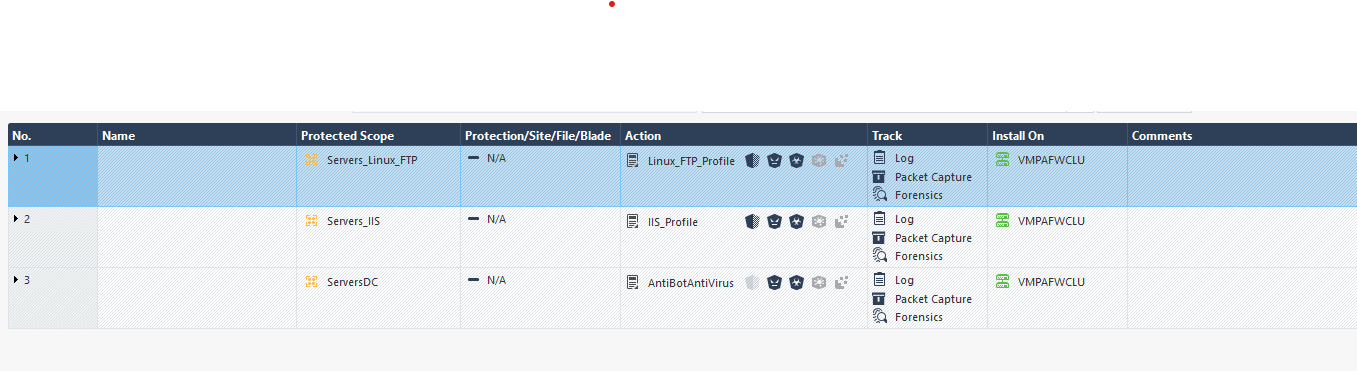
No, nothing in threat prevention policy is installed on this GW
regards
Hi andy thanks for the response
No, nothing in threat prevention policy is installed on this GW
regards
Can you send a screenshot?
Andy
Can you send a screenshot?
Andy
Yes, of course
This TP policies are for another cluster and are instaled on that cluster. The GW what have this issue is the one in the other image
Yes, of course
This TP policies are for another cluster and are instaled on that cluster. The GW what have this issue is the one in the other image
What happens if you delete the file? Does it go back to unusual size after some time?
What happens if you delete the file? Does it go back to unusual size after some time?
Yes, after delete this file it returned to unusual sizes and again fills the disk after some time, it never stops typing it with the same error ( the error of the image that I sent in the original post)
Yes, after delete this file it returned to unusual sizes and again fills the disk after some time, it never stops typing it with the same error ( the error of the image that I sent in the original post)
As last resort, if you can reboot fw, try that. If not, I would suggest contact TAC, this is worth investigating more.
As last resort, if you can reboot fw, try that. If not, I would suggest contact TAC, this is worth investigating more.
We reboot the cluster and the problem happened in the another cluster member too.
We reboot the cluster and the problem happened in the another cluster member too.
Definitely get in touch with TAC.
Definitely get in touch with TAC.
Thanks for your time, we’ll open a case
Thanks for your time, we’ll open a case
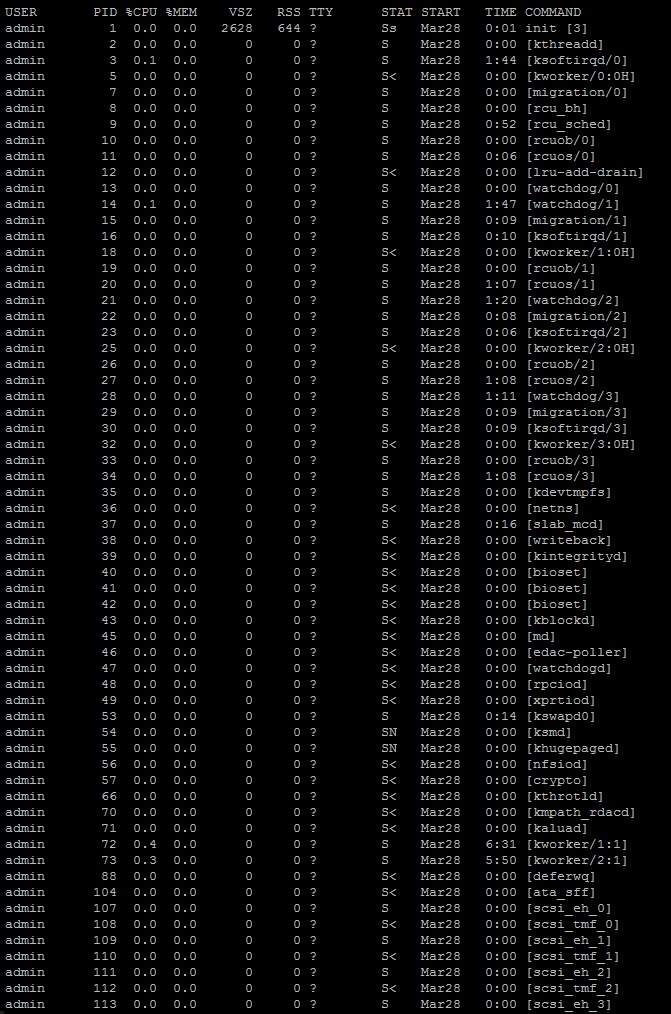
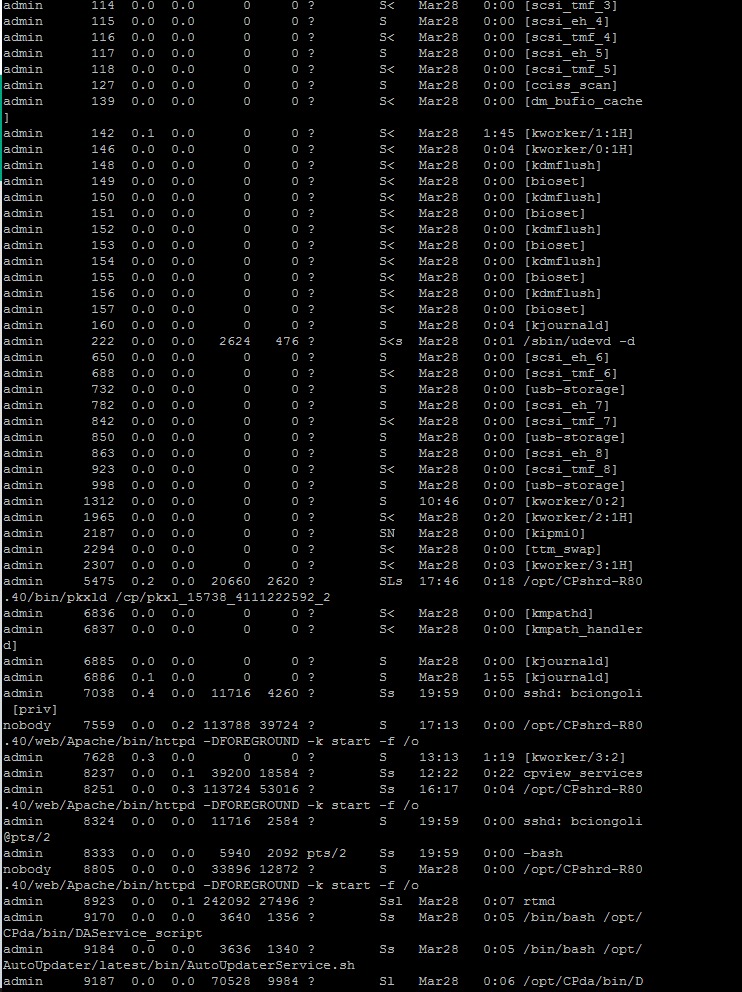
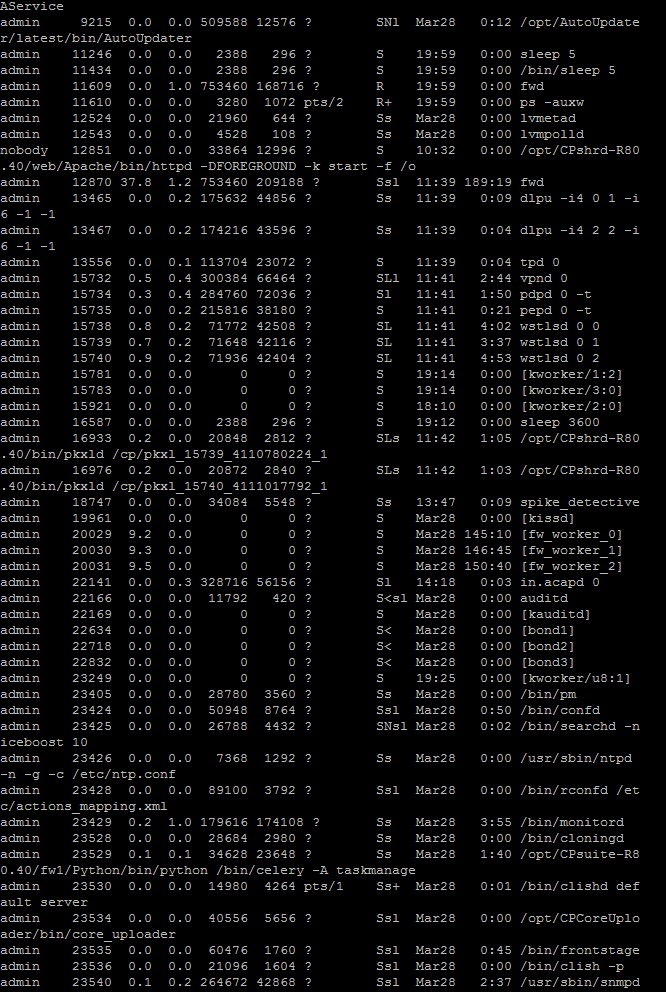
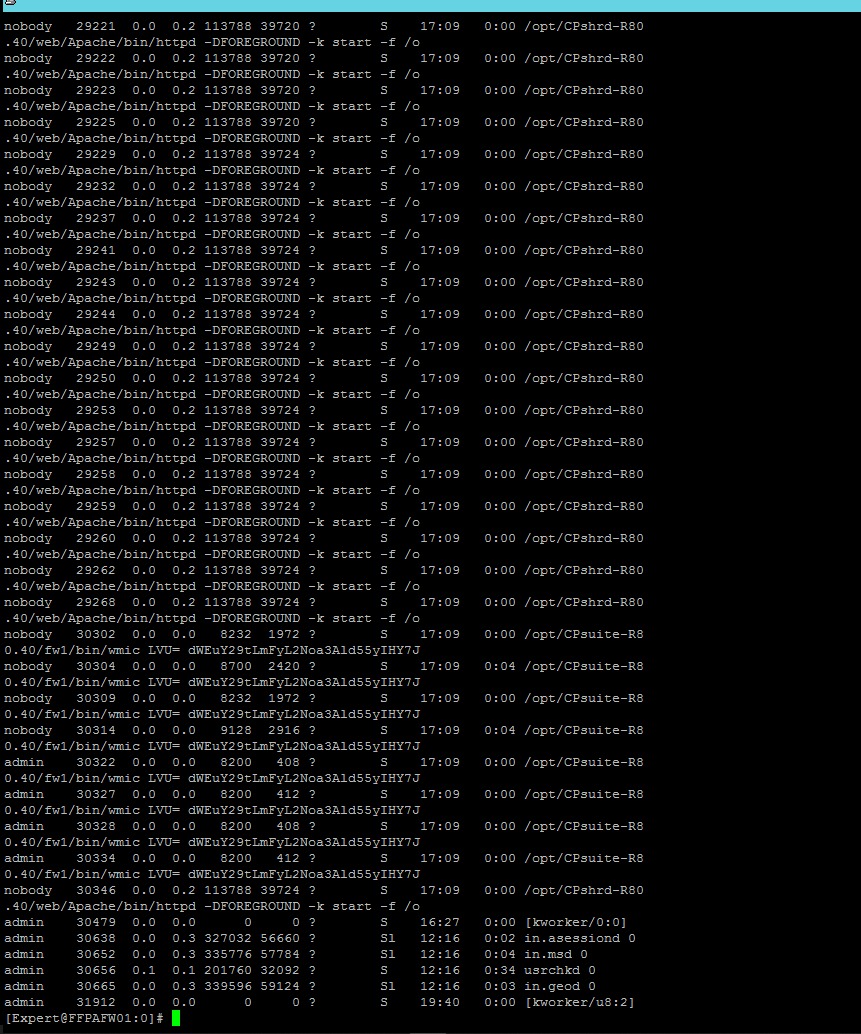
Im really sorry, I wish I could have given you some sort of good suggestion. I never seen this problem before, so not really sure why it happens. Maybe someone else in the community will have an idea...one thing though that came to my mind is, can you run ps -auxw command and top as well, just to see if there is a process that could be consuming high memory/cpu that might potentially cause this to happen?
Andy
Im really sorry, I wish I could have given you some sort of good suggestion. I never seen this problem before, so not really sure why it happens. Maybe someone else in the community will have an idea...one thing though that came to my mind is, can you run ps -auxw command and top as well, just to see if there is a process that could be consuming high memory/cpu that might potentially cause this to happen?
Andy
Just a shot in the dark here...but, one that that struck me from those outputs is that fwd is consuming unusually high amount of cpu, 30 plus % and then all fw workers about 10% each, which amount to more than 60% right there. I know this might be a bit extreme to try, but just to be 100% positive its not corexl related, if its enabled, I would try disable it as a test and reboot (can be done via cpconfig command). Not sure if thats something you could try, but it would be worth, just to confirm, for sure.
Just a shot in the dark here...but, one that that struck me from those outputs is that fwd is consuming unusually high amount of cpu, 30 plus % and then all fw workers about 10% each, which amount to more than 60% right there. I know this might be a bit extreme to try, but just to be 100% positive its not corexl related, if its enabled, I would try disable it as a test and reboot (can be done via cpconfig command). Not sure if thats something you could try, but it would be worth, just to confirm, for sure.
Hi Bruno
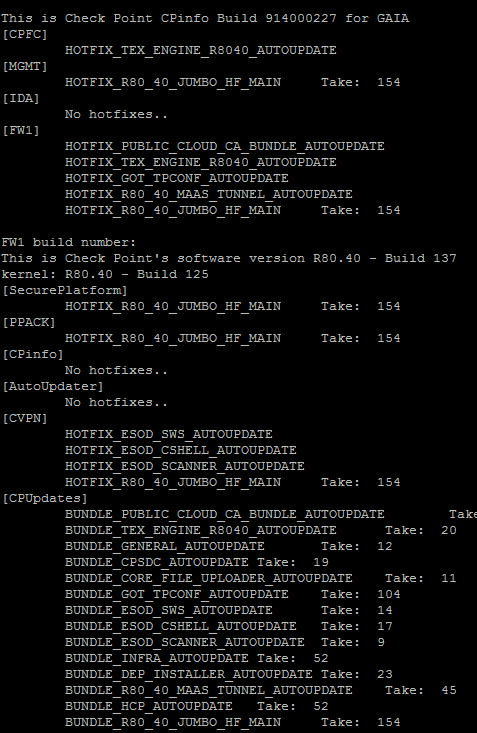
Did you solve it? I have the same behavior in a cluster in R81.10 ...
Regards
JR
Hi Bruno
Did you solve it? I have the same behavior in a cluster in R81.10 ...
Regards
JR

 Chris_Atkinson
 Chris_Atkinson
TE is not enabled?
Does the following command return output?
tecli advanced attributes show | grep -i log
TE is not enabled?
Does the following command return output?
tecli advanced attributes show | grep -i log
Hi Jefferson,
I have sent you a direct message, please check your inbox.
I would like to get more details about the behavior.
BR,
Shiran
Hi Jefferson,
I have sent you a direct message, please check your inbox.
I would like to get more details about the behavior.
BR,
Shiran