- Products
- Learn
- Local User Groups
- Partners
- More
AI Security Masters
E1: How AI is Reshaping Our World
MVP 2026: Submissions
Are Now Open!
What's New in R82.10?
Watch NowOverlap in Security Validation
Help us to understand your needs better
CheckMates Go:
Maestro Madness
Good afternoon, I would like to know if it is possible to check the status of a vpn. For example, I would like to be checking how many times in a month a site-to-site tunnel was down. To be able to make a report.
In the logs it is possible to see the errors, but it is almost impossible to look at all the logs for this period of time that I need to analyze.
Can someone help me?
Problem is the SA lifetimes dictate how long a tunnel is allowed to be up before being torn down to change keys, so just looking at key exchange messages does not mean an outage actually occurred. In addition most VPNs are brought up on demand when interesting traffic needs to use them, and if there is no traffic the tunnel can time out and appear "down" until some more interesting traffic arrives.
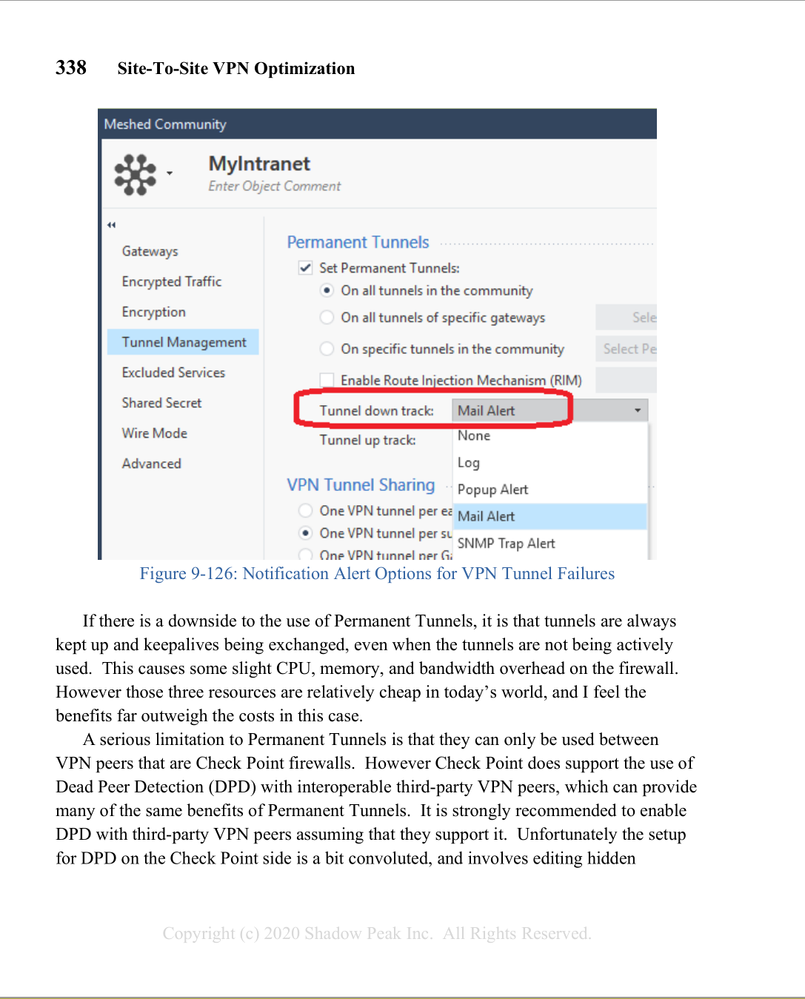
Only way I can think of to do this is via Permanent Tunnels which by default only work between Check Point gateways, but can be made to work with other vendor's firewalls by setting Dead Peer Detection (DPD) mode. Assuming you set both "tunnel up" and "tunnel down" alerts you could measure the time between tunnel down and tunnel up alerts to determine total outage time, although it can take between 20-30 seconds to detect that a tunnel has fallen down and cannot get back up. The default lifesign interval is 10 seconds with 3 failures causing a "tunnel down" condition, but these timers could be shortened I suppose. Here is the coverage for Permanent Tunnels from my book:
Thanks for your response. Let me go into more detail about my case. My client is experiencing connectivity issues on their VPN. In this case, I wanted to be able to tell you which of these errors are happening in a report. But because it's an SMB I don't have access to errors via CPView.
Of course it is possible to see in the logs when a tennel or a link is down, but because it is a lot of logs as it has already been clear. I wanted to know if there is a more practical way to check these errors, as well as in CPView.
Thanks for listening.
On SMB options are missing to Monitor VPN status, so all you can do is ping thru the GW from a internal client and record that...
In fact, what I need is to collect evidence of how many times the tunnel was unavailable within 30 days.
We had some unavailability and a client asked me how many times it was unavailable and what caused this unavailability.
Could you give me any ideas on how to put together a report on this or how to gather this evidence?
thanks.
Agree with Gunter here, your best option on SMB is some kind of third-party monitoring system that continuously sends traffic through the VPN tunnel every so often and records the availability statistics you need.
thank you very much for everyone's attention
Leaderboard
Epsum factorial non deposit quid pro quo hic escorol.
| User | Count |
|---|---|
| 5 | |
| 2 | |
| 2 | |
| 2 | |
| 1 | |
| 1 | |
| 1 |
Tue 16 Dec 2025 @ 05:00 PM (CET)
Under the Hood: CloudGuard Network Security for Oracle Cloud - Config and Autoscaling!Thu 18 Dec 2025 @ 10:00 AM (CET)
Cloud Architect Series - Building a Hybrid Mesh Security Strategy across cloudsTue 16 Dec 2025 @ 05:00 PM (CET)
Under the Hood: CloudGuard Network Security for Oracle Cloud - Config and Autoscaling!Thu 18 Dec 2025 @ 10:00 AM (CET)
Cloud Architect Series - Building a Hybrid Mesh Security Strategy across cloudsThu 08 Jan 2026 @ 05:00 PM (CET)
AI Security Masters Session 1: How AI is Reshaping Our WorldAbout CheckMates
Learn Check Point
Advanced Learning
YOU DESERVE THE BEST SECURITY