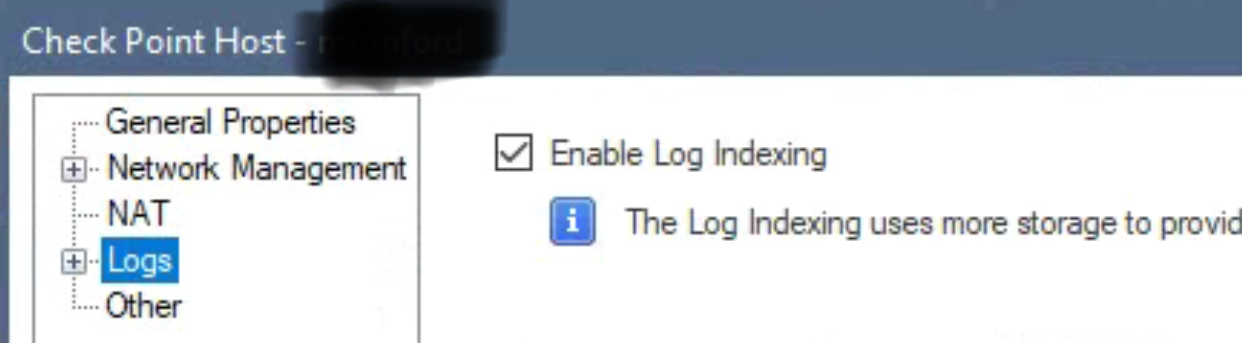
Yep, the requirement was to export all possible logs in one shot along with the Events/ reports generation and found that it can be done with https://mgmt server IP/smartview. when we opened it, it was saying SmartEvent need to be enabled to view it. And after that it all started with different issues.
last time when we enabled log indexing, mgmt server got hanged and was too slow. So this time, we haven't enabled it.
mgmt version: R80.10
while opening the .csv file, its empty and looks like it is getting corrupted or data loss
Here are some details which might help -
Symptoms:
============
Logs are Missing per rule
Steps Taken:
============
-Rule wise logs unable to generate the .csv file is getting crash
-While login to Security Policy->Logs->unable to see the logs intermittently.
Getting the error "no logs" .
-Mohammed confirmed that when generated log report from Smart View ->logs are missing and also informed that in legecy smart tracker some of the rule logs are missing.
-#cpwd_admin list -all process are UP and running .
-Having enough disk space and memory verified #df -kh and free -m
-Its listening on port 257 verified #netstat -nap | grep 257
-#tcpdump -nnei any host <Firewall IP> and port 257
Firewall is sending logs to Management Server.
-#cpinfo -y all jumbo_take_112 installed on the appliance.
-#watch -d -n 2 "ls -l $FWDIR/log/fw.log" show the logs are storing on Management Server.