Many times, you need to make configuration changes to your gateways.
On ScletSet you will need to make change on the CME Template configuration.
By default, when you make a configuration change to the template. Only newly provision gateway will get the new configuration.
In order to the enforce the change on existing ScaleSet gateway ,you will need to use the -g parameter.
In order to check what parameter value to use , you will need to run the command: autoprov_cfg show templates
 In the example above the template, az-uk-south does not have the generation value.

In the example above the template, az-uk-south has generation value of 2.
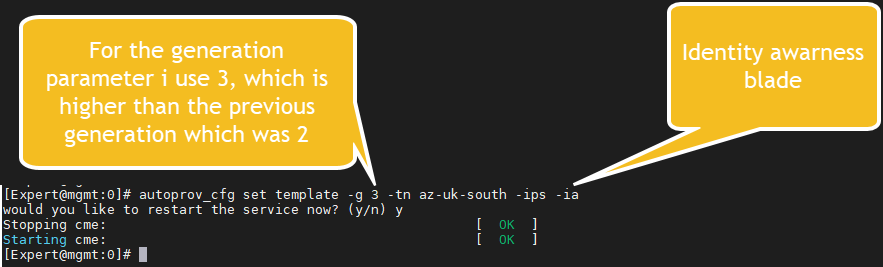
I order to make a change and enforce immediately the new configuration, you will need to check the version first , and use a value that is greater than the current value.
For example , if you will want to add and Identity awareness blade to the last template shown here.
I will use the command: autoprov_cfg set template -g 3 -tn az-uk-south -ips -ia